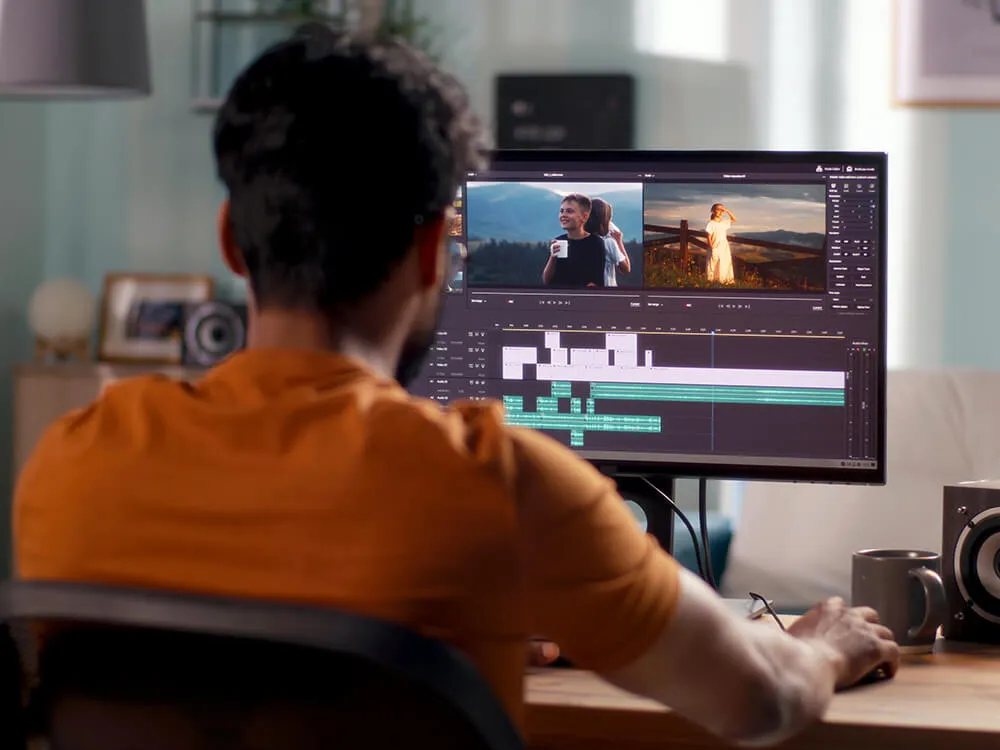
The Adobe Premiere Pro Core Skills (2-day) course is designed for learners who want to move beyond basic video editing and work confidently with professional editing workflows. Delivered live online or at our London training centre, this course provides extended, hands-on time to develop practical skills used in real-world video production.
The Adobe Premiere Pro Complete (3-day) course is designed for professionals who need to work confidently and efficiently with video editing in real-world production environments. Delivered live online or at our London training centre, this course provides the depth and hands-on time required to develop reliable, professional editing workflows.
The Adobe Premiere Pro Certification (4-day) course is designed for professionals who want to consolidate their video-editing skills and prepare confidently for Adobe Certified Professional (ACP) certification. Delivered live online or at our London training centre, this course combines comprehensive practical training with focused exam preparation.
The Adobe Premiere Pro Advanced course is designed for experienced Premiere Pro users who want to refine their editing, finishing, and workflow skills for more demanding professional projects. Delivered live online or at our London training centre, this course focuses on advanced editing techniques, efficient project management, colour, audio, effects, and export workflows for polished production-ready video.
The Final Cut Pro Core Skills (2-day) course is the default entry point for learning professional video editing with Apple Final Cut Pro. Delivered live online or in person, this course provides a structured, practical foundation for editing video efficiently and confidently.
The Adobe After Effects Core Skills (2-day) course is designed for learners who want to move beyond basic animation and develop practical, professional motion graphics workflows. Delivered live online or at our London training centre, this course provides extended hands-on time to build confidence and control when working in After Effects.
The Adobe After Effects Complete (3-day) course is designed for professionals who need to work confidently and efficiently with motion graphics in real-world production environments. Delivered live online or at our London training centre, this course provides the depth and structure required to develop professional-level animation workflows.
The Adobe After Effects Certification (4-day) course is designed for professionals who want to consolidate their motion graphics skills and prepare for Adobe Certified Professional (ACP) certification. Delivered live online or at our London training centre, this course combines comprehensive practical training with focused exam preparation.
Overview Adobe After Effects Advanced is designed for users who are ready to move beyond straightforward animation and start building more considered, technically controlled motion work. It covers the same content as Day 3 of our Adobe After Effects Complete course, exploring the techniques that help bring greater polish and flexibility to projects, including advanced…
Gain practical coding skills with JavaScript for workplace applications. Learn syntax, arrays, objects, loops and DOM manipulation. Explore asynchronous programming and APIs, while using GitHub for collaboration. Build a small interactive project and understand coding for front-end development.
Discover how Artificial Intelligence tools are used for writing, summarising and creating images. Practise prompting, explore practical applications, and understand ethical issues such as bias and misinformation. Complete a small AI-assisted project and gain confidence in using AI responsibly.
Learn to design with Canva, a simple but powerful online tool. Explore templates, colour palettes, fonts and layouts while creating flyers, social posts and presentations. Complete a personal design project and build confidence in producing professional visual content.
Build and manage a functional website with WordPress. Learn how posts, pages, themes and plugins work together, and practise using the block editor. Create a homepage, menus and basic SEO settings, gaining confidence in modern website management.
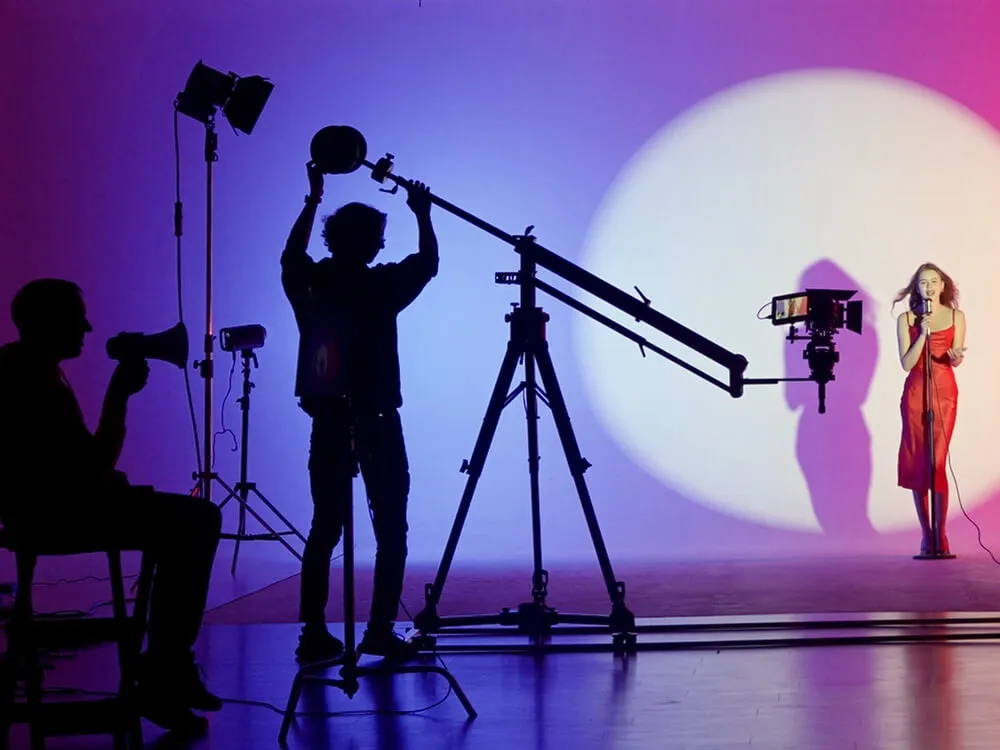
Explore media production from capture to edit. Learn how to record video and audio, apply lighting, and edit using Adobe Premiere Pro. Develop skills in workflows, effects, sound mixing and exporting, completing a short project with professional guidance.
Understand the basics of HTML, CSS and site management with Adobe Dreamweaver. Learn how to structure pages, style content, create navigation, and preview your site in a browser. Complete a small website project and gain confidence in web design.